
 SABLEFILM
Introductory price · £9.99 until 30 November
Edit like a pro. Pay once.
Sablefilm is a complete RAW editor for Mac. Bring your own Lightroom presets, then add masks, colour, AI noise reduction and 173 film looks. £9.99 once at our introductory price, then £19.99 from 1 December. No subscription.
- No subscription
- Originals never changed
- iPhone version coming soon

 BeforeAfter
What early testers said.
Like Lightroom, but it looks good!
It looks bloody amazing.
F***ing incredible, mate.
Rent your editor, or own it.
£9.99, once, at our introductory price until 30 November. From 1 December it's £19.99. Drag the slider to see what a subscription editor costs.
For Mac (macOS 14 or newer). Your licence key is emailed straight after purchase. 14-day refund. Secure checkout by Shopify.
- No subscription
- No renewals
- Your originals stay yours
What a subscription editor costs you
Set what a competing editor charges you each month.
Your own numbers, not a quote for any particular product.
Your presets. Your PSDs. Nothing to start over.
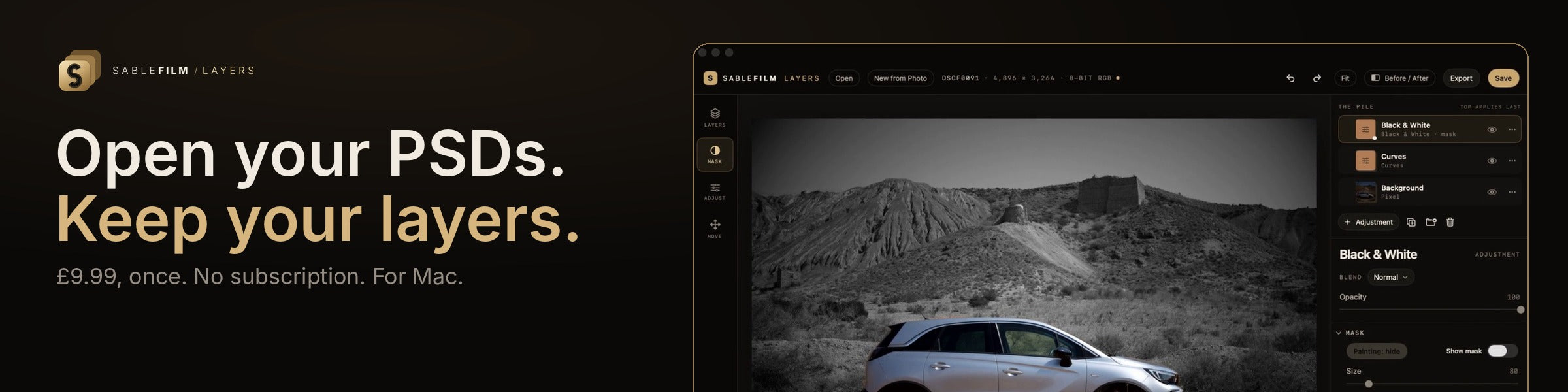
Switching should not mean rebuilding. Sablefilm and Sablefilm Layers open the files you already have.
Use your original presets
Import the Lightroom presets you already own and build on them. Fujifilm shooters can pull in the film simulation, tone and grain they set in the camera.
- Lightroom presets (.xmp and .lrtemplate)
- Fujifilm in-camera recipes
- Write your edits back out as Lightroom-compatible XMP
Use your original PSD files
Open the layered files you already have. Layers shows them the way Photoshop does and saves them back as PSDs that Photoshop still opens.
- PSD and PSB files
- Layers, groups, masks, blend modes and effects
- Anything it does not understand is left untouched
See it in 33 seconds.
Browse, develop, compare and export, in the real app, on real RAW files.
A RAW editor for people who still care how a photograph looks.
Pay once. Own it.
£9.99 and it's yours. No subscription, no renewals, no account to keep alive, no internet needed.
Every tool, no compromise.
Masks, colour, AI noise reduction, lens correction, 173 film looks and film texture, all in one editor.
Your photograph, untouched.
Edits live in a small file beside each RAW. The original stays exactly as it came off the camera.
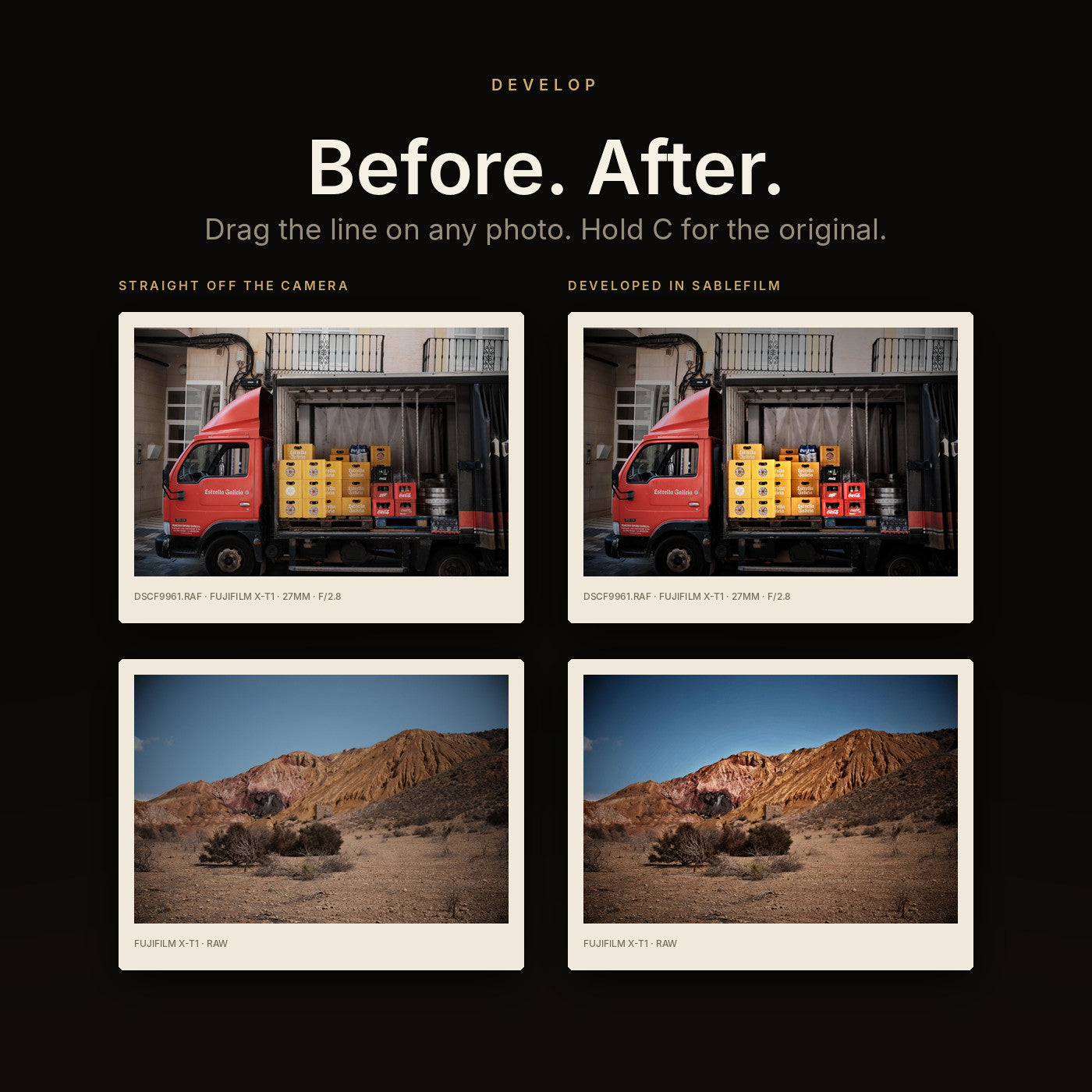
The same file. A different photograph.
Every one of these started as a flat RAW. Drag the line.
BeforeAfter
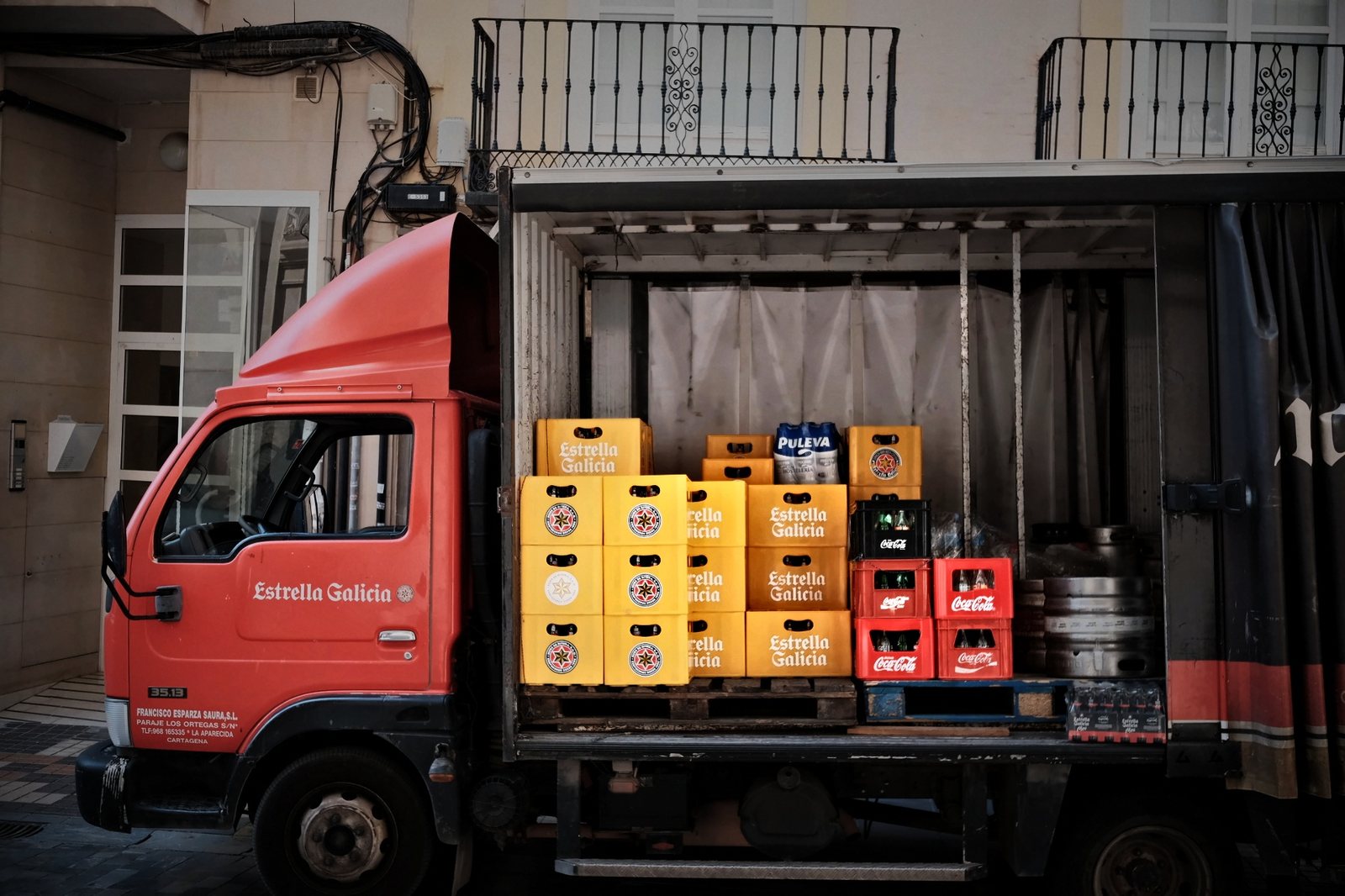
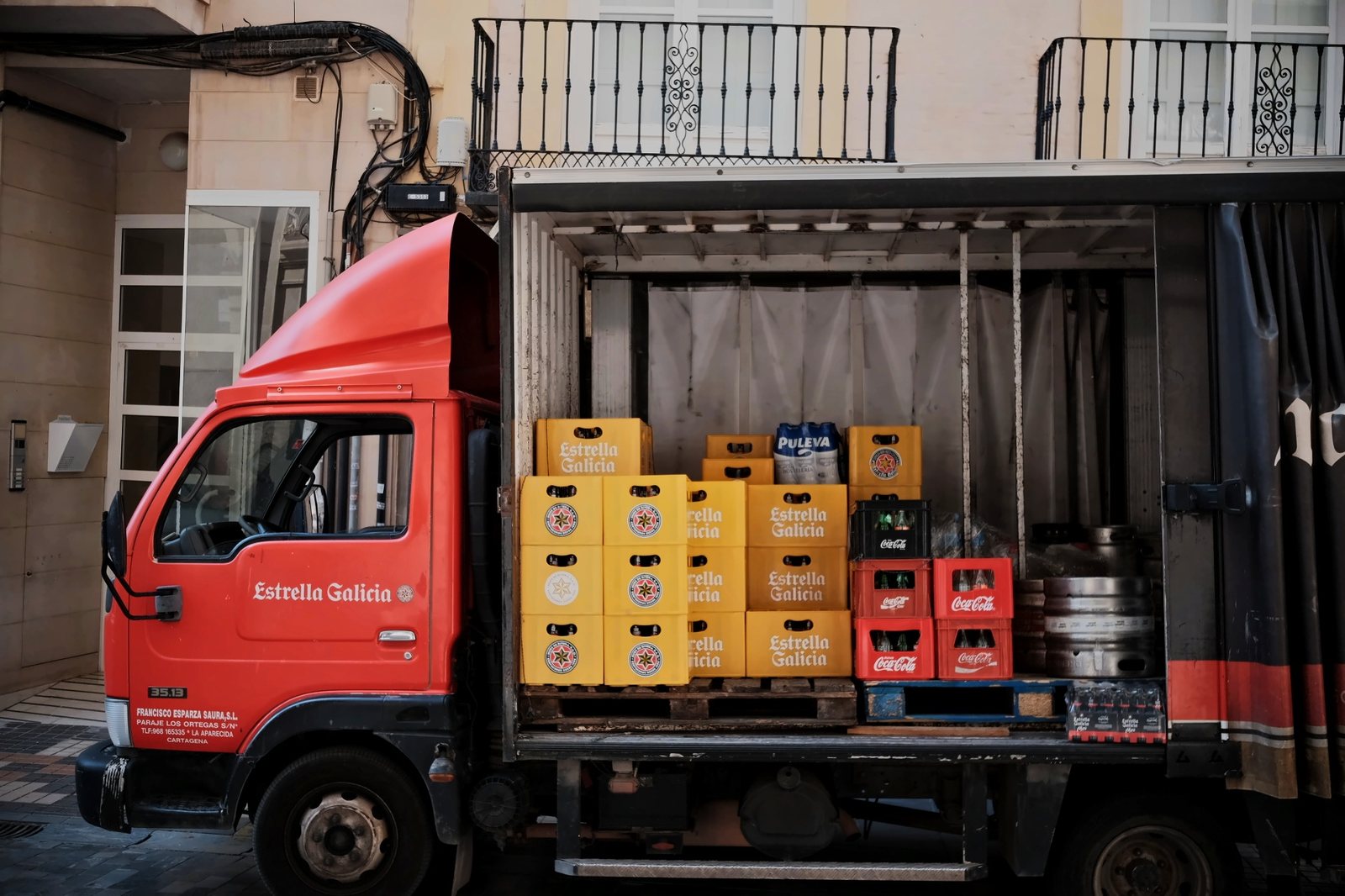
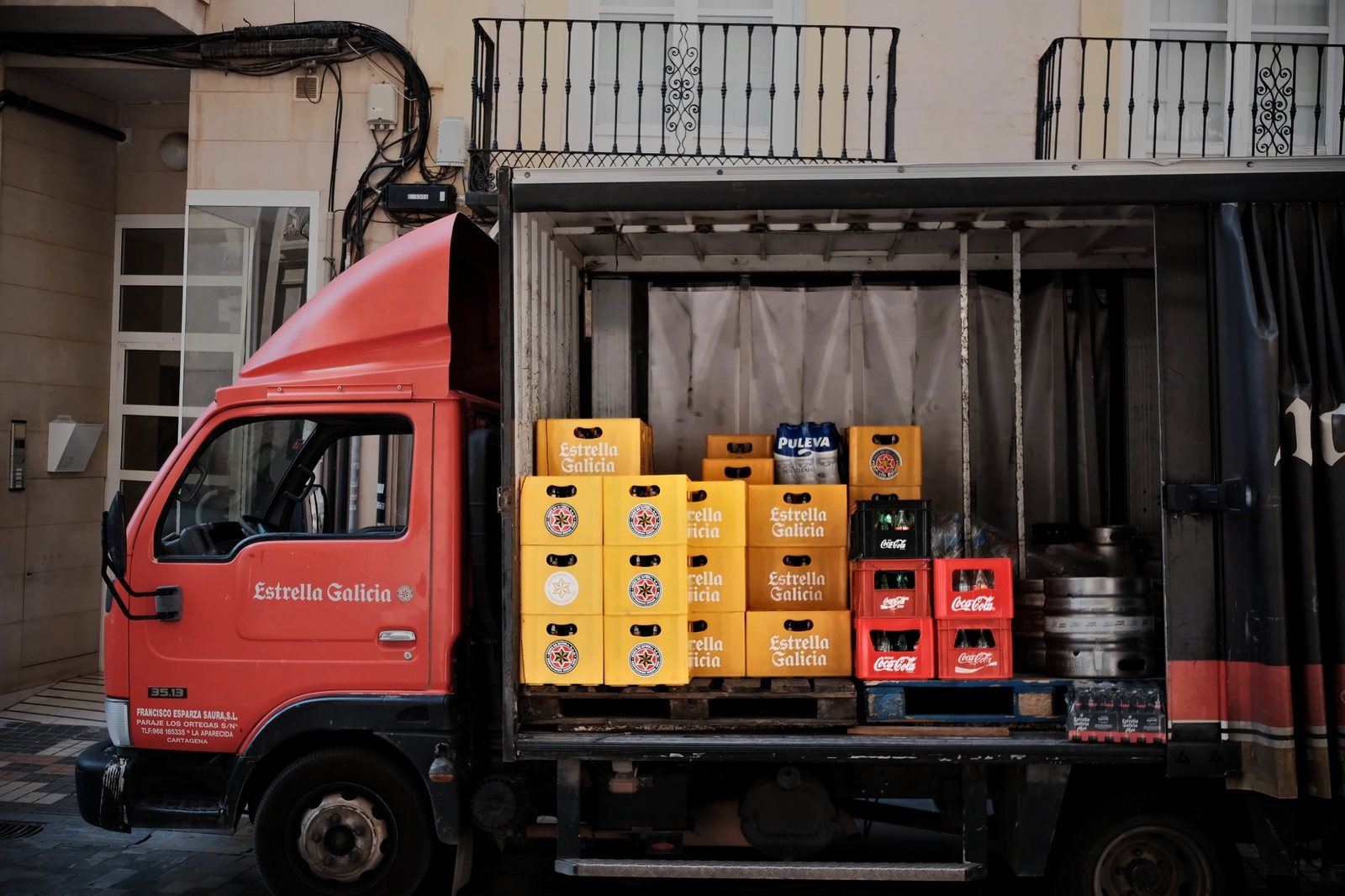
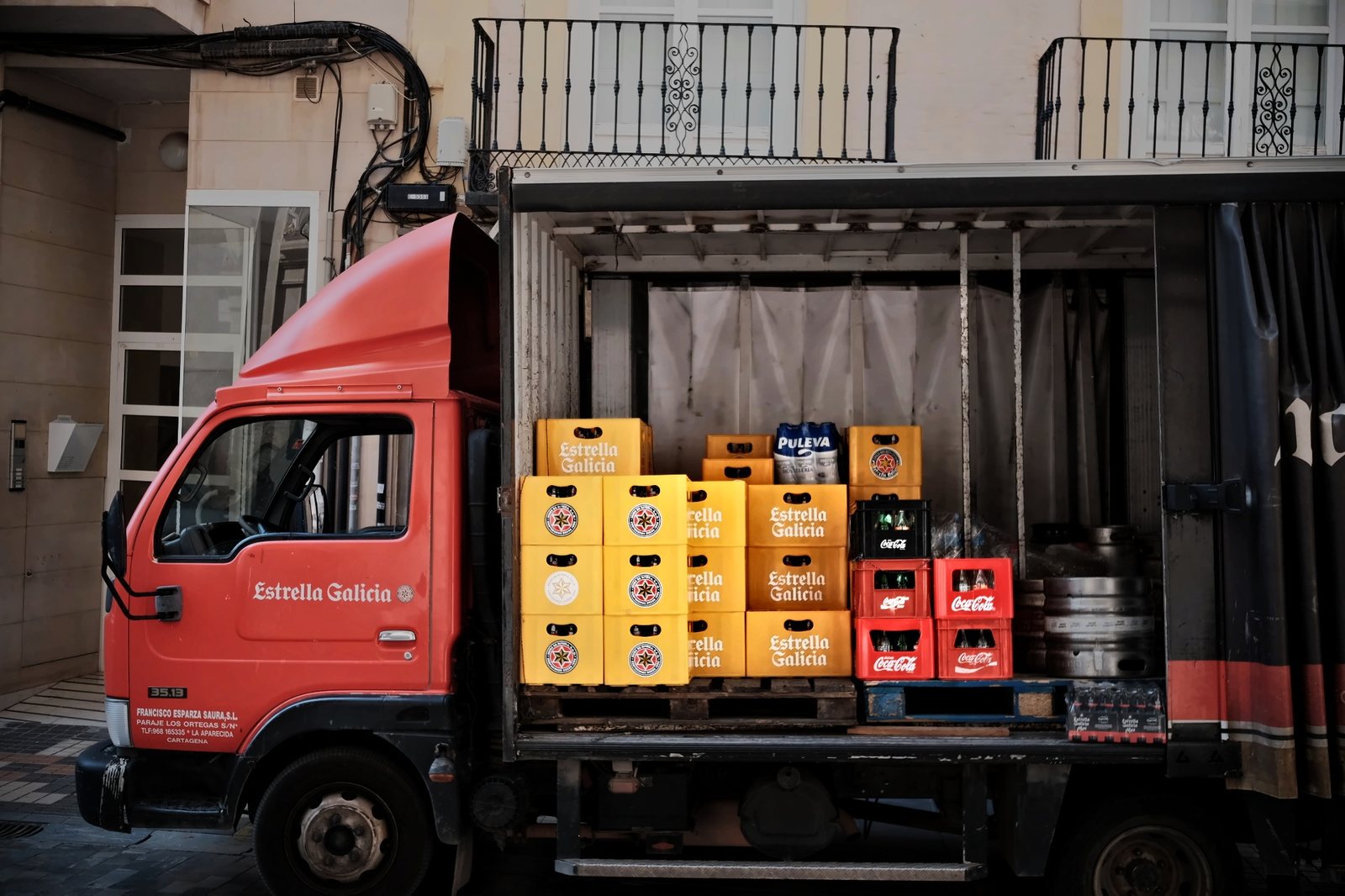
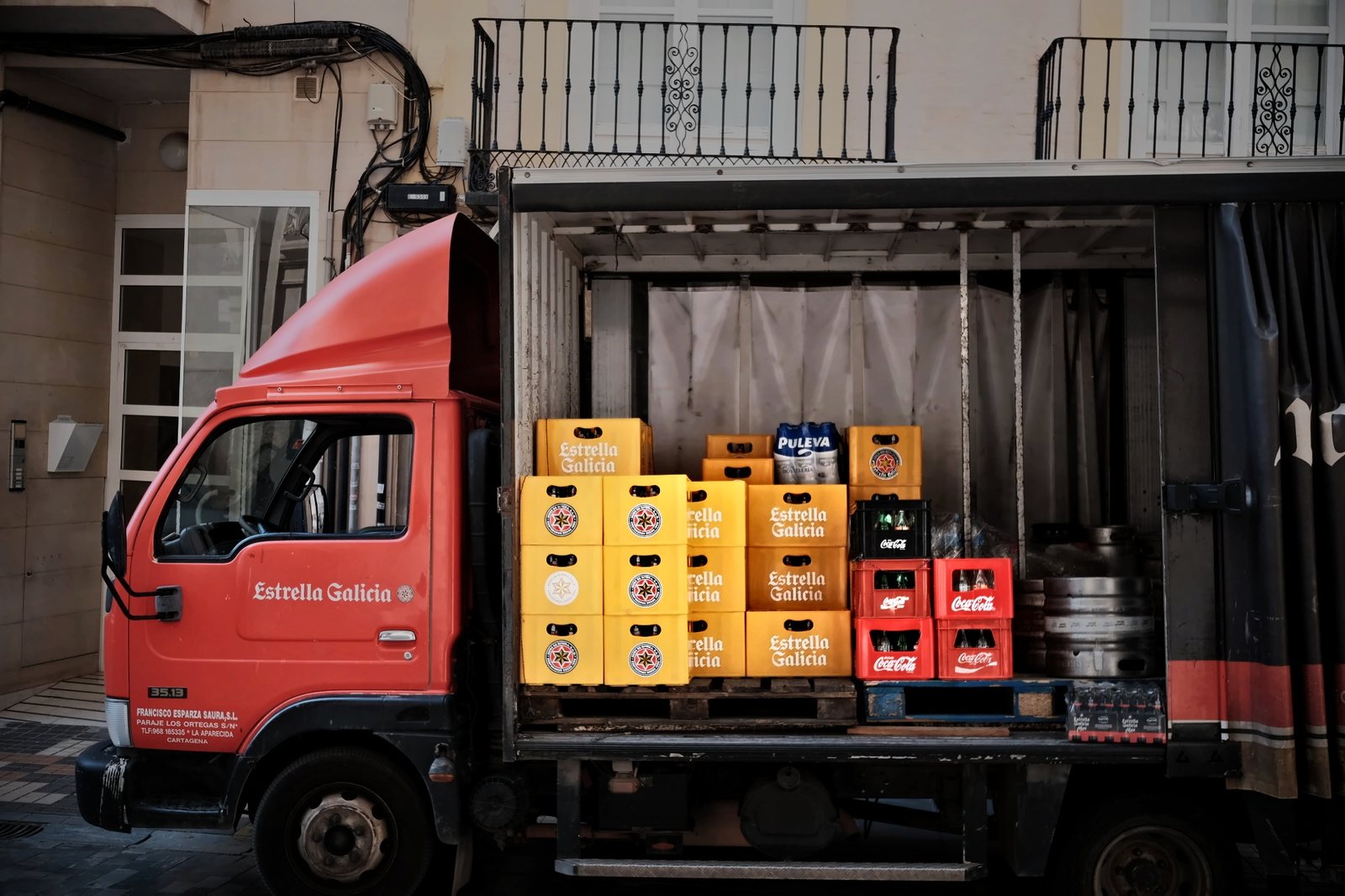
The truck
Eight masks lift the crates, tame the red cab and darken the edges, so your eye goes where it should.

 BeforeAfter
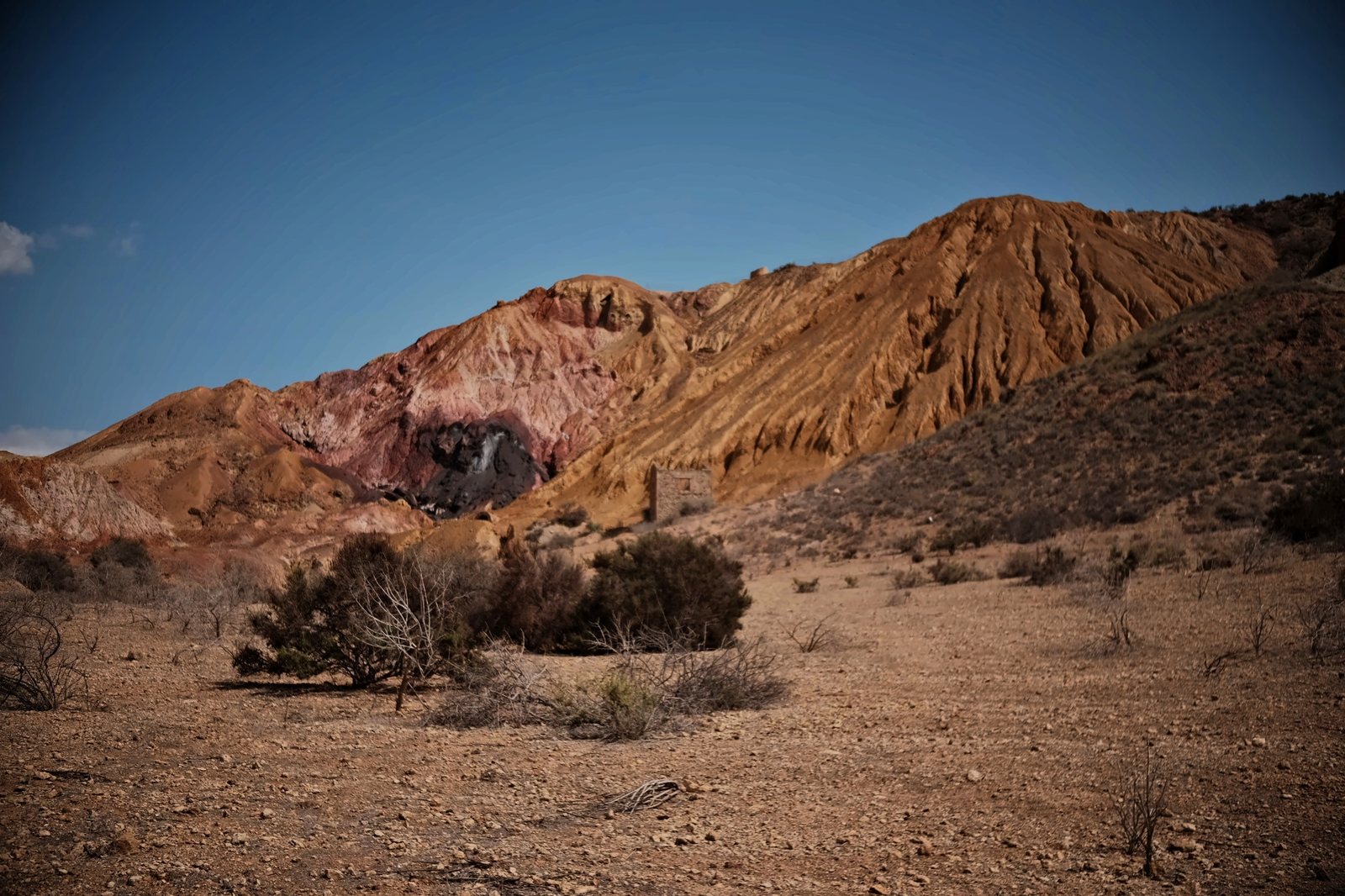
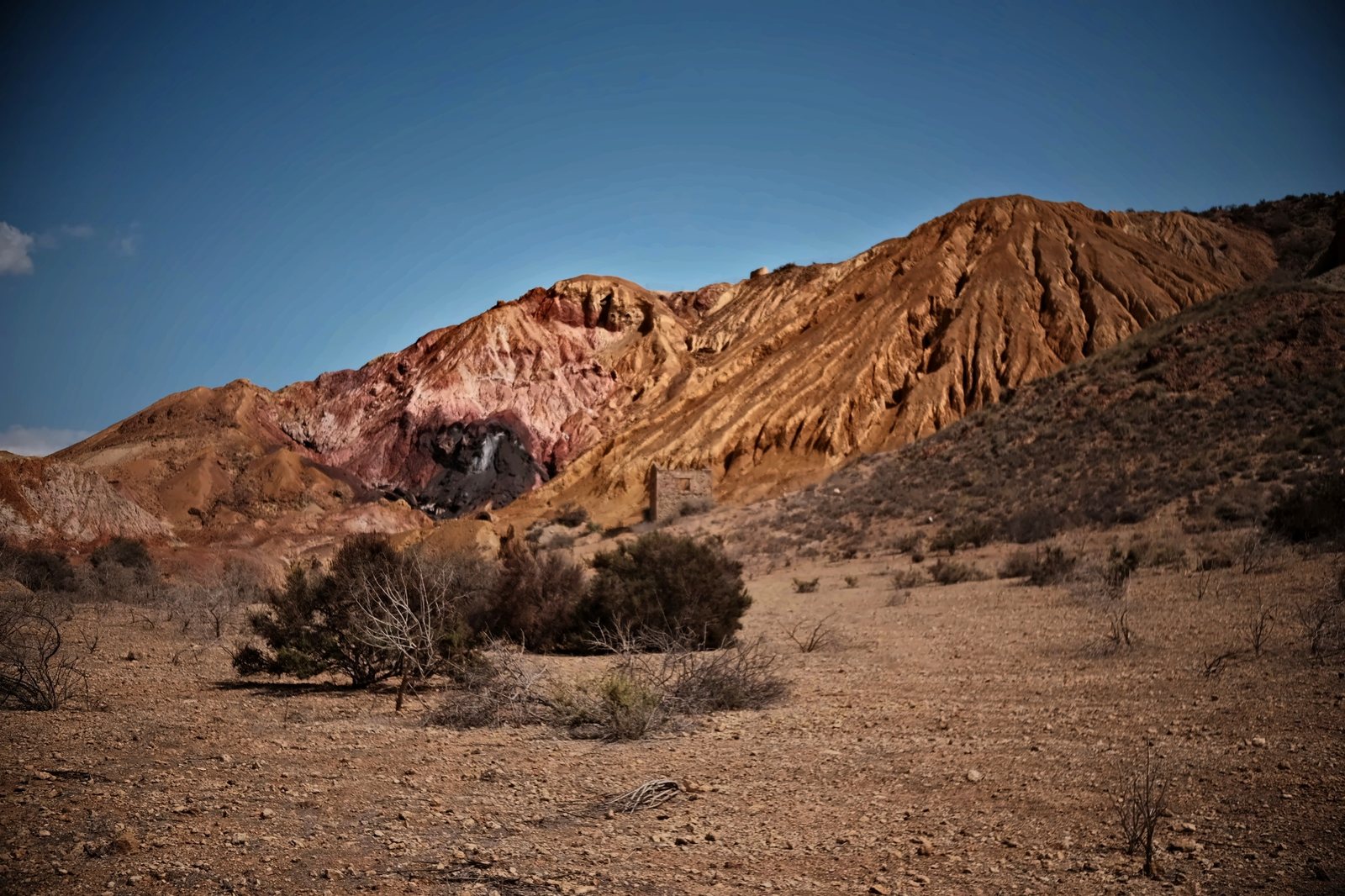
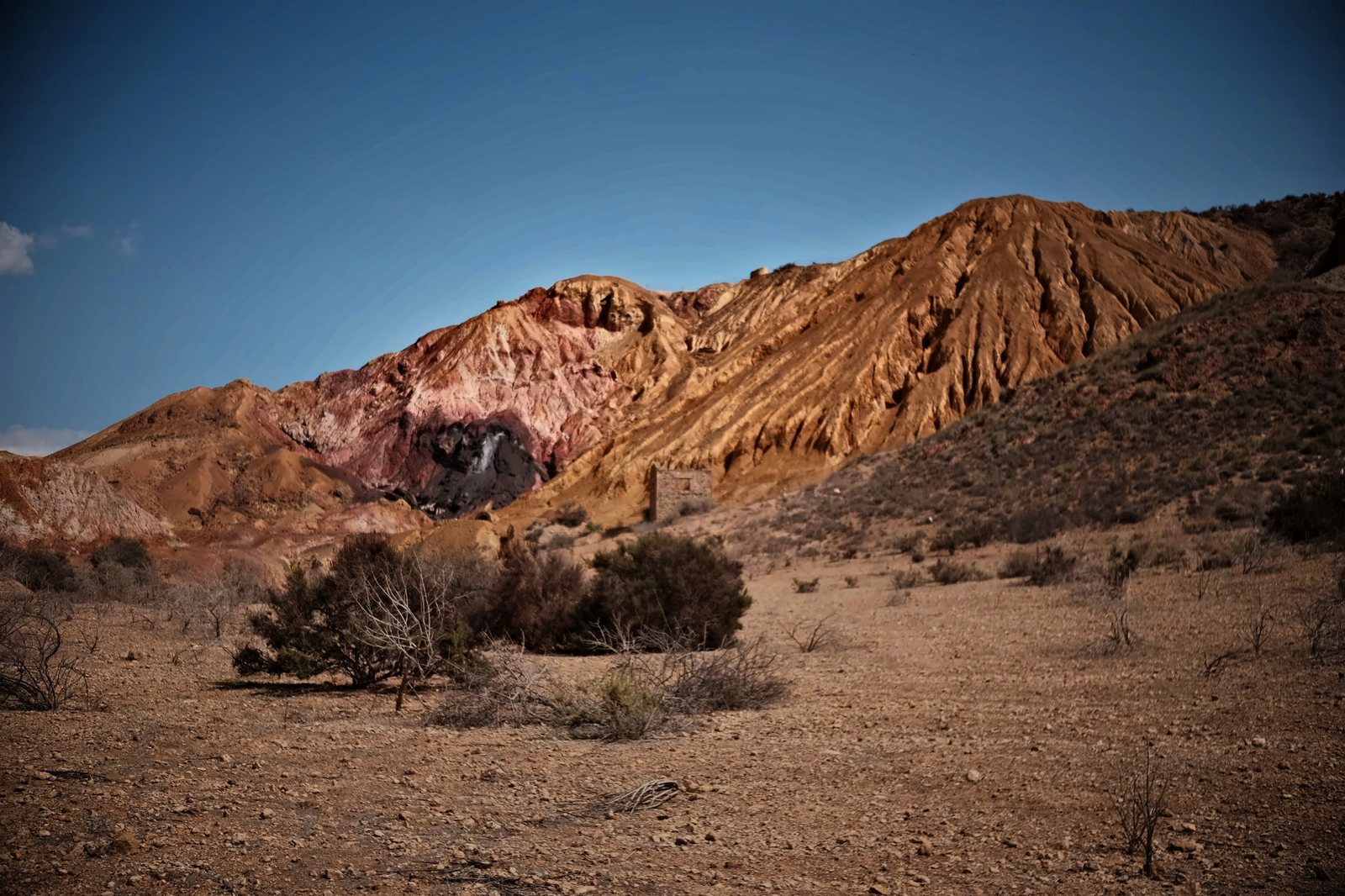
The mountain
A gradient for the sky, a radial lift on the ridge, a darker foreground to hold your eye.

 BeforeAfter
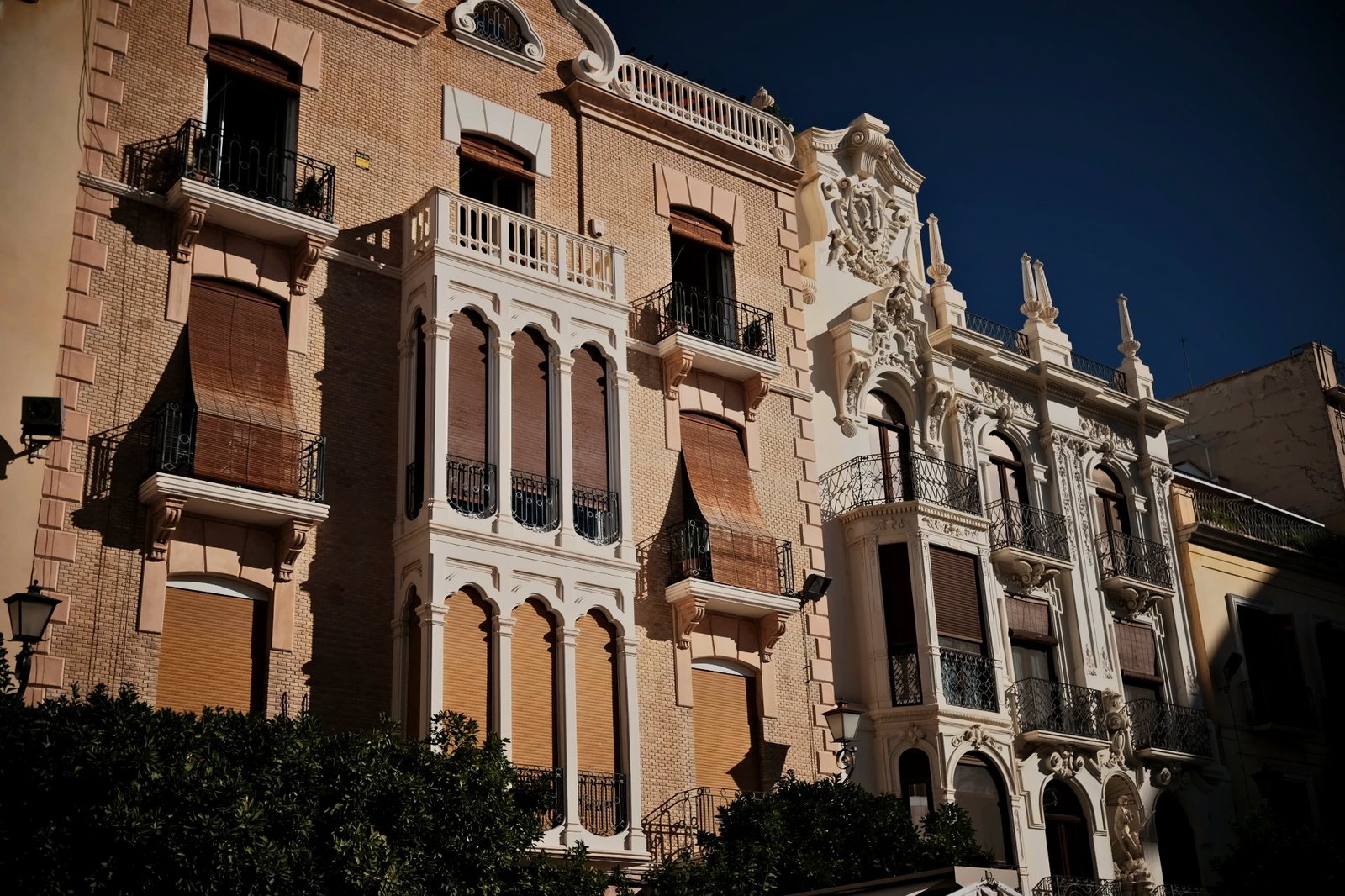
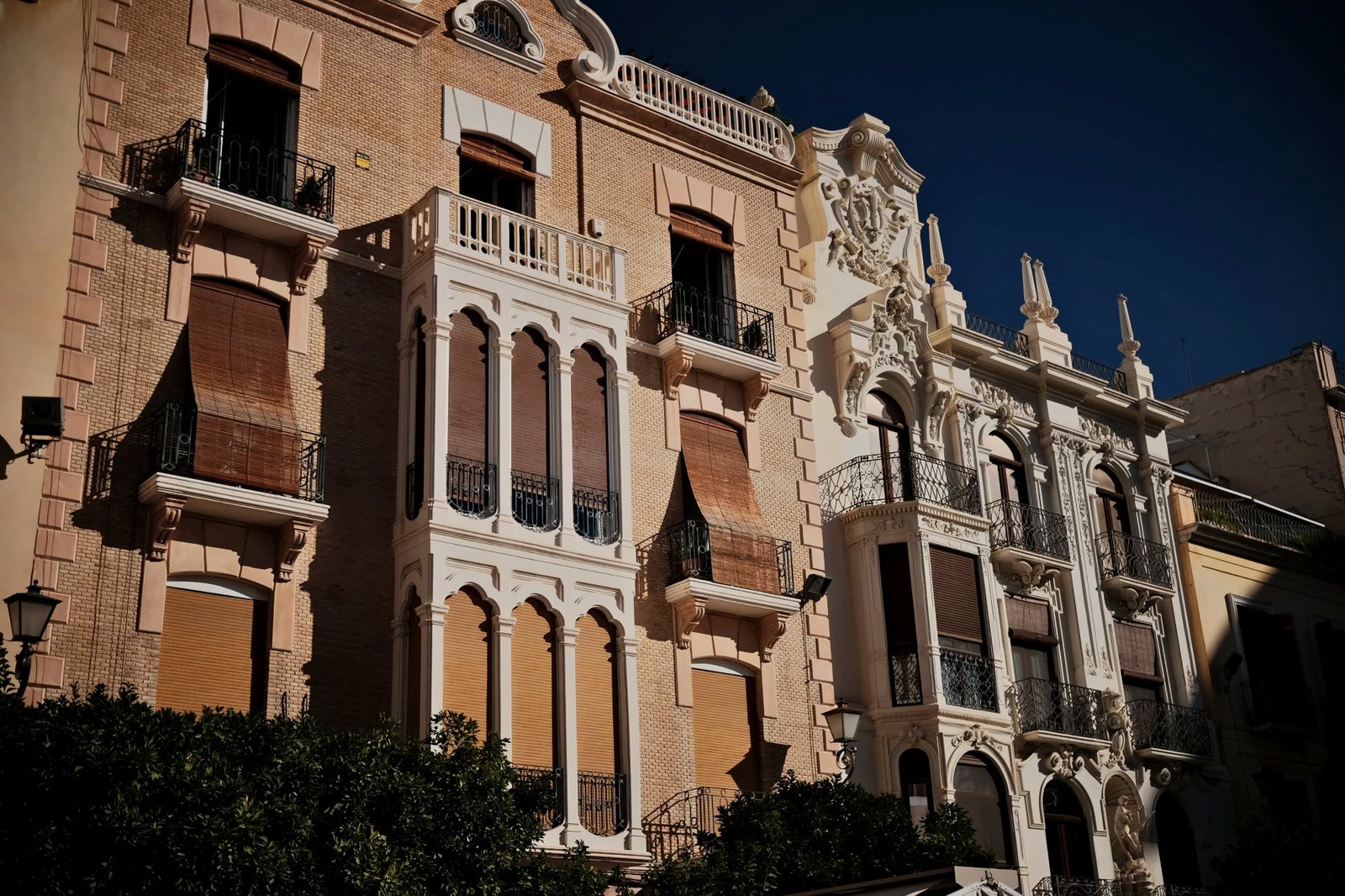
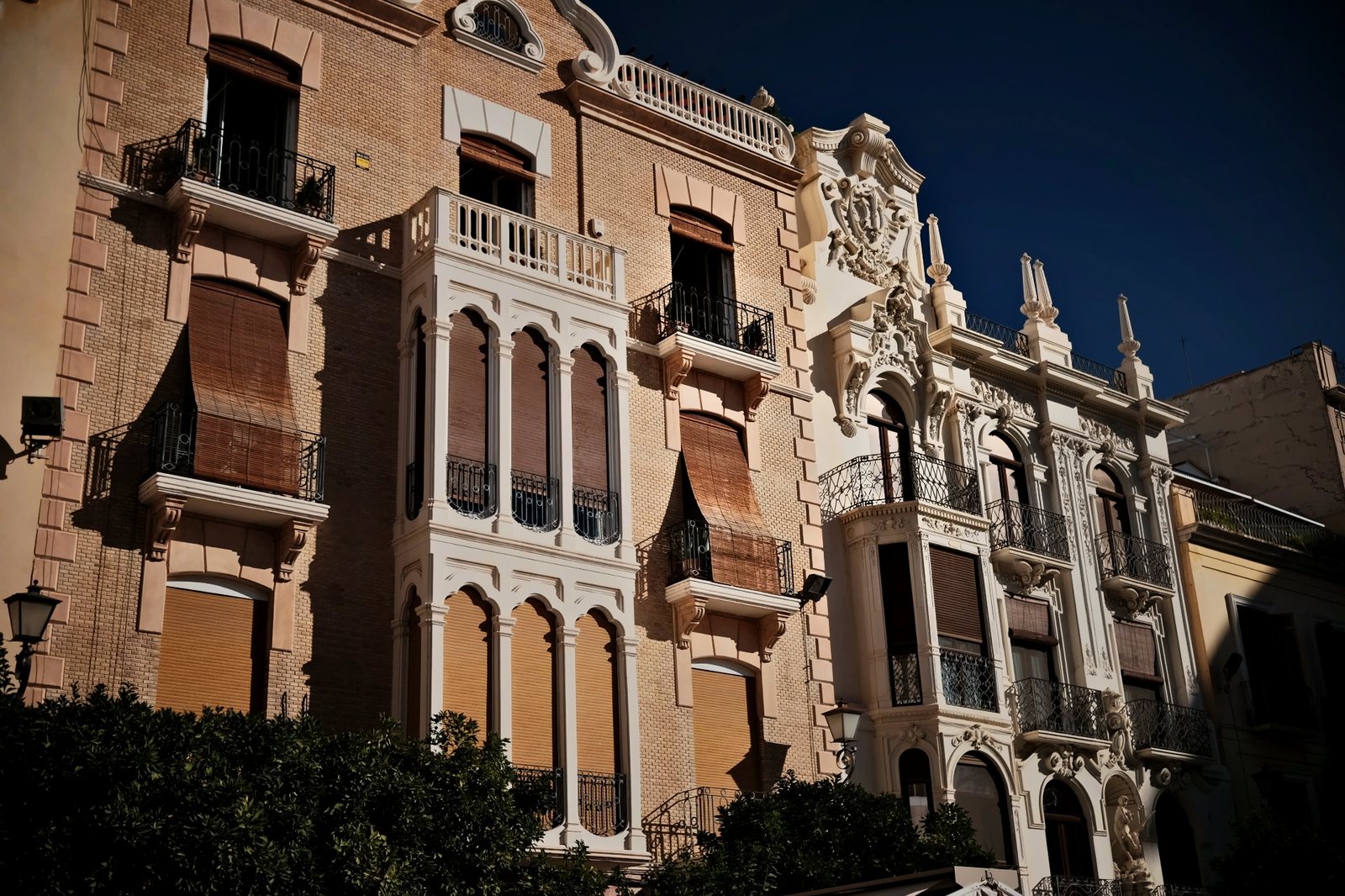
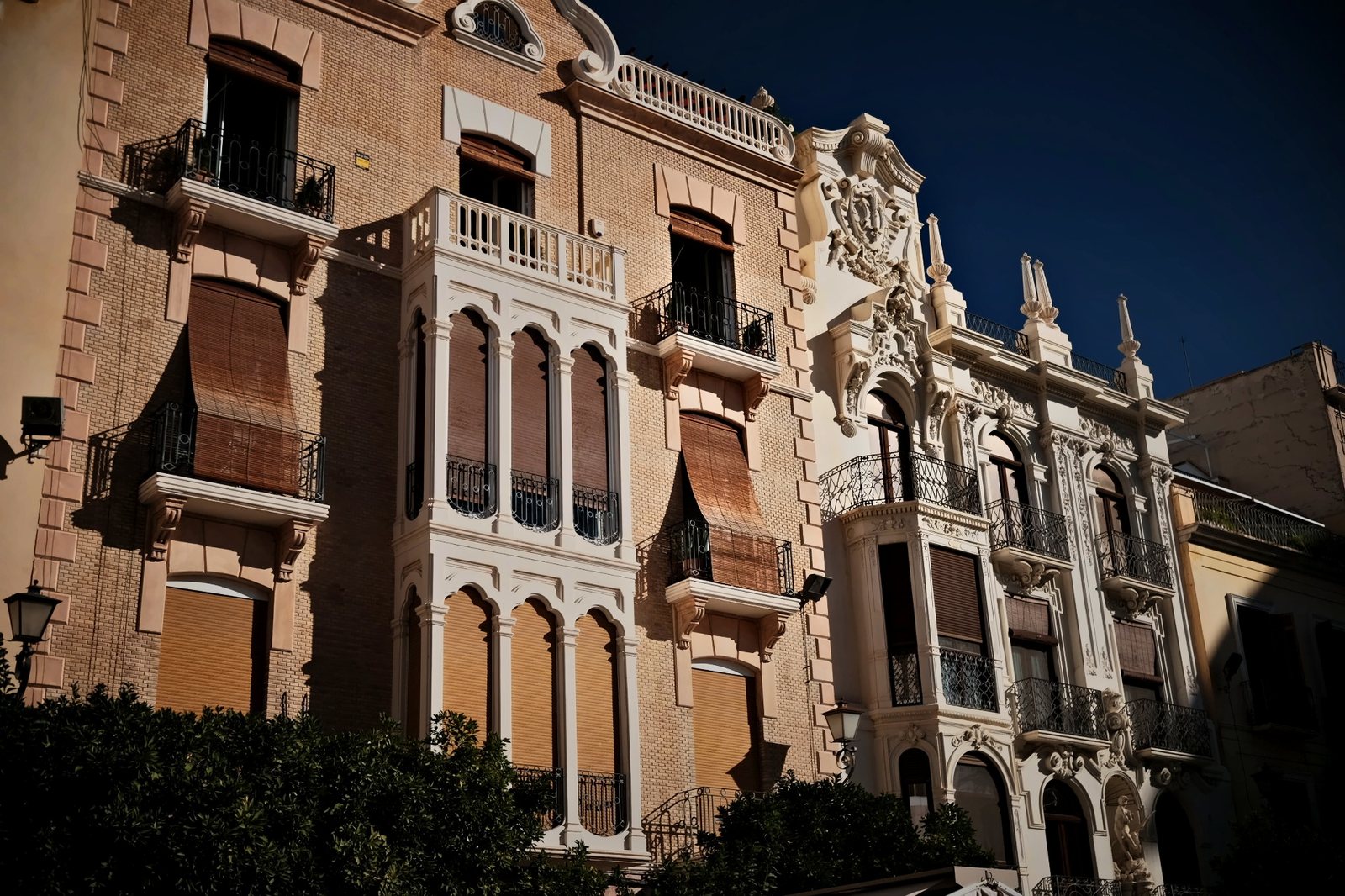
The facade
Shadows opened, the sky corner pulled down, the building lifted just enough to glow.
Nothing here is a filter.
Each look is a few global moves, then local masks. Step through one and switch the masks on to see exactly where each edit lands.









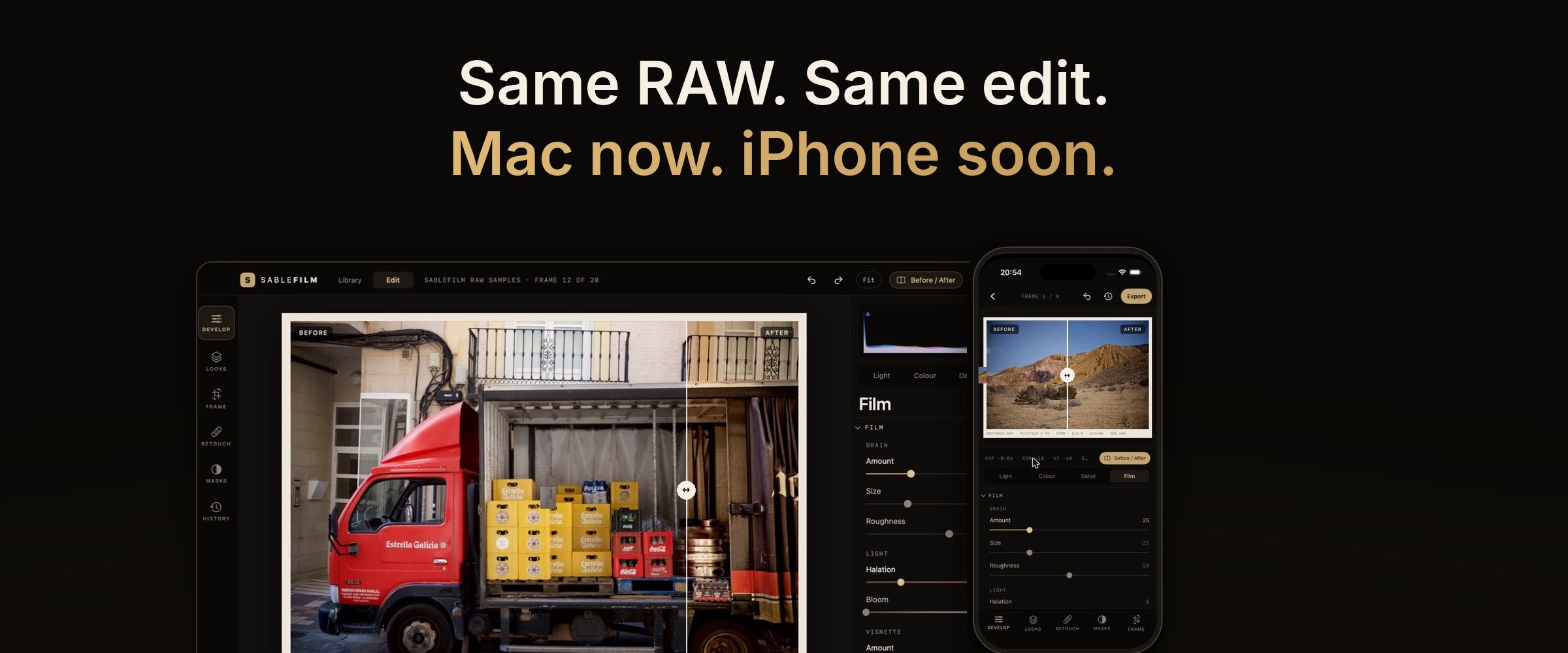
Everything you need to develop a RAW.
Browse, develop, compare and export, on Mac and on iPhone.
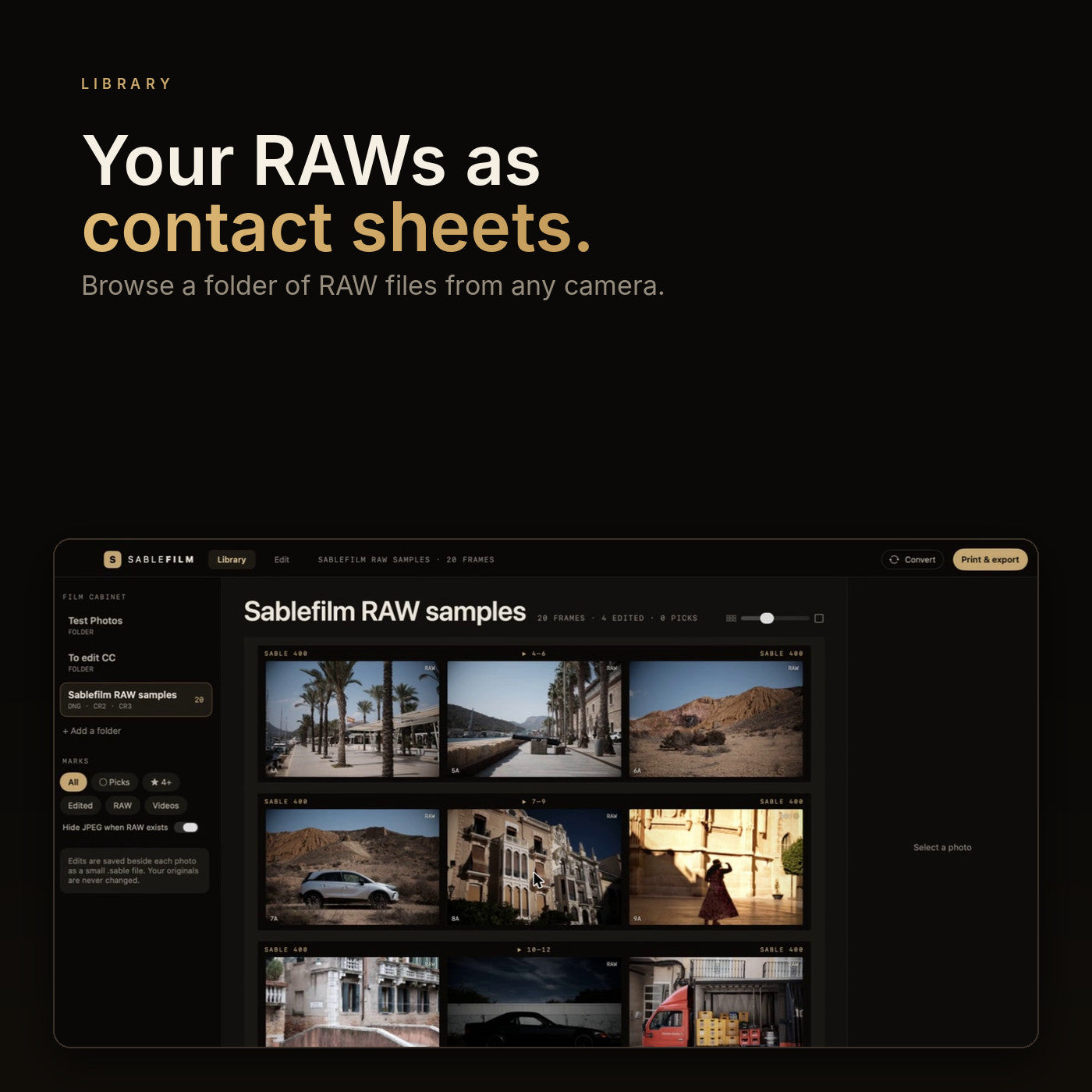
Your RAWs as contact sheets.
Open a folder and see every frame at once. Filter by picks, stars and what you have already edited. Nothing is moved or copied.
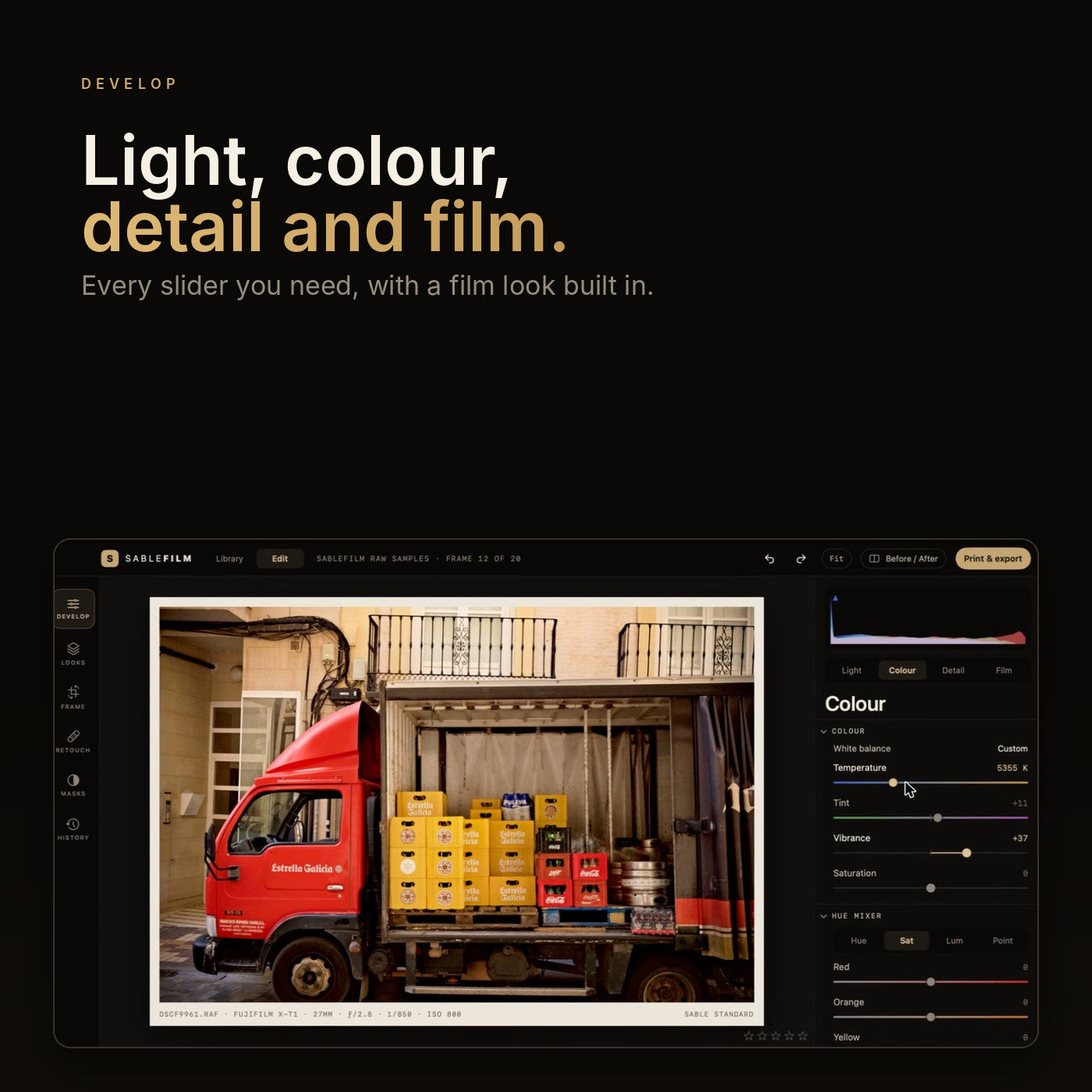
Light, colour, detail and film.
Exposure to blacks. White balance and a hue mixer. Texture, clarity, dehaze, sharpening and AI noise reduction. Grain, halation and bloom.
Drag to see what you did.
A before and after slider on the photo itself. Hold C for the original. Zoom to true 100% and check the detail.
Web, Instagram, print or HEIC.
Export JPEG, HEIC or TIFF at the size and sharpening you choose, or write a Lightroom-compatible XMP. Your originals are never changed. Edits are saved beside each photo as a small file.
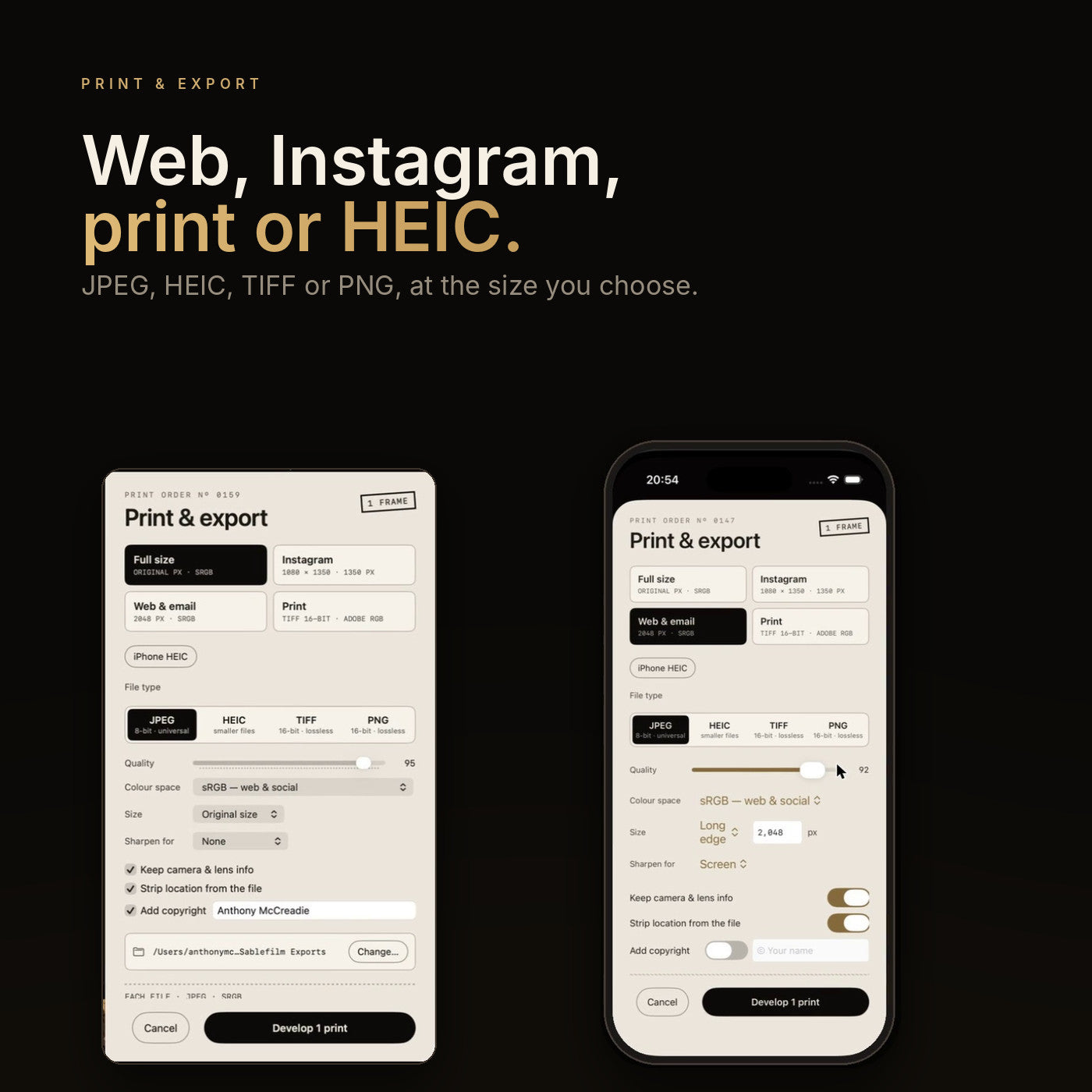
Same RAW. Same edit.
The iPhone version is on its way. Start on the Mac and pick it up on your phone, with every slider there and a tap to type any number exactly.

Everything a RAW editor should have.
Local masks
Subject, brush, lasso, linear, radial and range, stacked and adjustable.
Colour correction
Grade the whole frame, then refine colour inside any mask.
AI noise reduction
Clean, detailed high-ISO files without the plastic look.
Lens correction
Distortion and vignetting, fixed from your lens data.
Film look
Grain, halation and bloom for real analogue character.
Originals untouched
Edits live in a small file beside each photo.
Export anywhere
JPEG, HEIC and TIFF, plus Lightroom-compatible XMP.
Mac now, iPhone soon
Available for Mac today. The iPhone version is coming.
Pay once
£9.99. No subscription.
Your own presets
Import your Lightroom presets (.xmp and .lrtemplate) alongside 173 film looks.
Fujifilm recipes
Reads your in-camera film simulation, tone and grain and applies it.
GIF maker and batch convert
Turn a video into a GIF, or convert a folder in one go.

Sablefilm Layers
The Photoshop-file job. Use your original PSD and PSB files: layers, groups, masks, blend modes and effects, saved back as PSDs that Photoshop still opens. A separate app, £9.99 once. Not a full Photoshop replacement.
Which app do I need?
Sablefilm develops your photos. Sablefilm Layers edits layered files. Most people want one; photographers who also build composites want both.
| Sablefilm | Sablefilm Layers | |
|---|---|---|
| Think of it as | Your Lightroom | Your Photoshop for PSDs |
| Starts from | RAW files (Fujifilm, Canon, Nikon, Sony, DNG…), JPEG, HEIC, TIFF | Photoshop PSD and PSB files, or any photo, even a RAW, as a first layer |
| Saves | Your original is never touched; exports JPEG, TIFF, HEIC and Lightroom-compatible XMP | The PSD itself, which Photoshop opens as normal; exports JPEG, PNG, TIFF |
| Photo library, ratings, flags | ✓ | – |
| RAW development | ✓ | – |
| 173 film looks, Fujifilm recipes, Lightroom preset import | ✓ | – |
| AI denoise, halation, grain, bloom | ✓ | – |
| Retouch, clone, crop, straighten | ✓ | – |
| GIF maker, batch convert | ✓ | – |
| Layers and groups | – | ✓ |
| All 27 Photoshop blend modes | – | ✓ |
| Pixel masks, vector masks, clipping | – | ✓ |
| Adjustment layers (curves, levels, hue/saturation, colour balance and more) | – | ✓ |
| Layer effects: shadows, glows, overlays, strokes | – | ✓ |
| 8, 16 and 32-bit; RGB, greyscale, CMYK, Lab | – | ✓ |
| AI subject masks, brush masks, curves, black and white, before/after | ✓ | ✓ |
| Runs on | Mac now, iPhone coming soon | Mac |
| Price | £9.99, once | £9.99, once |
Your Lightroom job
Develop RAW photos, use your own presets, and export.
Buy Sablefilm · £9.99Your Photoshop-file job
Open your original PSDs, edit the layers, and save them back.
Buy Sablefilm Layers · £9.99Sablefilm Layers is not a full Photoshop replacement: there are no selections, transforms, text editing, filters or pixel painting yet. Lightroom, Photoshop and PSD are Adobe trademarks; Sablefilm is not affiliated with Adobe.
Before you buy.
Is it a subscription?
No. Sablefilm is £9.99, paid once. There is nothing to renew, no account to create and no internet connection needed.
How do I get my licence key?
Your licence key is emailed straight after purchase, together with your download link. Open the app, paste the key and click Activate. It is checked on your Mac, so it works offline, and one key covers up to three of your Macs. Each app has its own key. Lost it? Email sablefilmapp@gmail.com with your order number and we will resend it.
Is there a free trial?
No. The apps are locked until you enter your licence key. If one is not for you, ask within 14 days for a refund.
Will the price go up?
Yes. £9.99 is our introductory price until 30 November 2026. From 1 December Sablefilm will be £19.99. Buy before then and it's yours for good at £9.99.
What can Sablefilm do?
It is a complete RAW editor: global and local colour correction, subject and brush masks, AI noise reduction, lens correction, 173 film-inspired looks with grain, halation and bloom, retouching, Fujifilm in-camera recipe import, Lightroom preset import, a GIF maker and batch converter.
Can I use my own Lightroom presets?
Yes. In the Looks tab choose Import and pick your .xmp or .lrtemplate preset files. Sablefilm also reads the film simulation, tone and grain from Fujifilm in-camera recipes, and can write your edits back out as a Lightroom-compatible XMP.
Can I open my own Photoshop files?
Yes, with Sablefilm Layers. It opens your original PSD and PSB files, shows the layers, groups, masks and effects the way Photoshop does, and saves them back as PSDs that Photoshop still opens. Anything it does not understand is left as it was.
Does it change my original files?
Never. Your edits are saved beside each photo as a small file, and the original stays exactly as it came off the camera.
What is Sablefilm Layers?
A separate app, also £9.99 once, for layered files. It opens, edits and saves real Photoshop PSD and PSB files with layers, masks, blend modes, adjustment layers and layer effects. It does not yet have selections, transforms, text editing, filters or pixel painting, so it is not a full Photoshop replacement. Sablefilm develops your photos; Layers composites them. See Sablefilm Layers.
Is it on Mac and iPhone?
Sablefilm is available for Mac today. The iPhone version is on its way.
Which cameras and RAW formats work?
Sablefilm opens RAW files from Fujifilm (RAF), Canon (CR2, CR3), Nikon (NEF), Sony and others, plus DNG, JPEG, HEIC and TIFF. If your camera writes a standard RAW file, it should open.
What do I need to run it?
A Mac running macOS 14 (Sonoma) or newer, Apple silicon or Intel.
Is it safe to install?
Yes. Sablefilm is signed with our Apple Developer ID and notarised by Apple, so macOS has checked it. The first time you open it, your Mac confirms it was downloaded from the internet: click Open and you're in. Help is on our Support page.
Can I get a refund?
Yes. If it is not for you, email sablefilmapp@gmail.com within 14 days of buying and we will refund you. The details are in our refund policy.
Film-grade editing.
£9.99. Once.
For Mac · iPhone coming soon · £9.99 introductory price until 30 November